Results read from photographed EC8A sheets. Typed results are counted on their own — switch to see them.
See the count yourself.
Check the proof.
Ordinary Nigerians snap the result sheet pasted at their polling unit, and we put those figures together — from your unit all the way to the national total. Every number carries the photo it came from.
No need to take our word for it. Check the evidence yourself.
Polls open 08:30 on 1 November 2026. Every sheet sent in from that moment is stamped with its time.
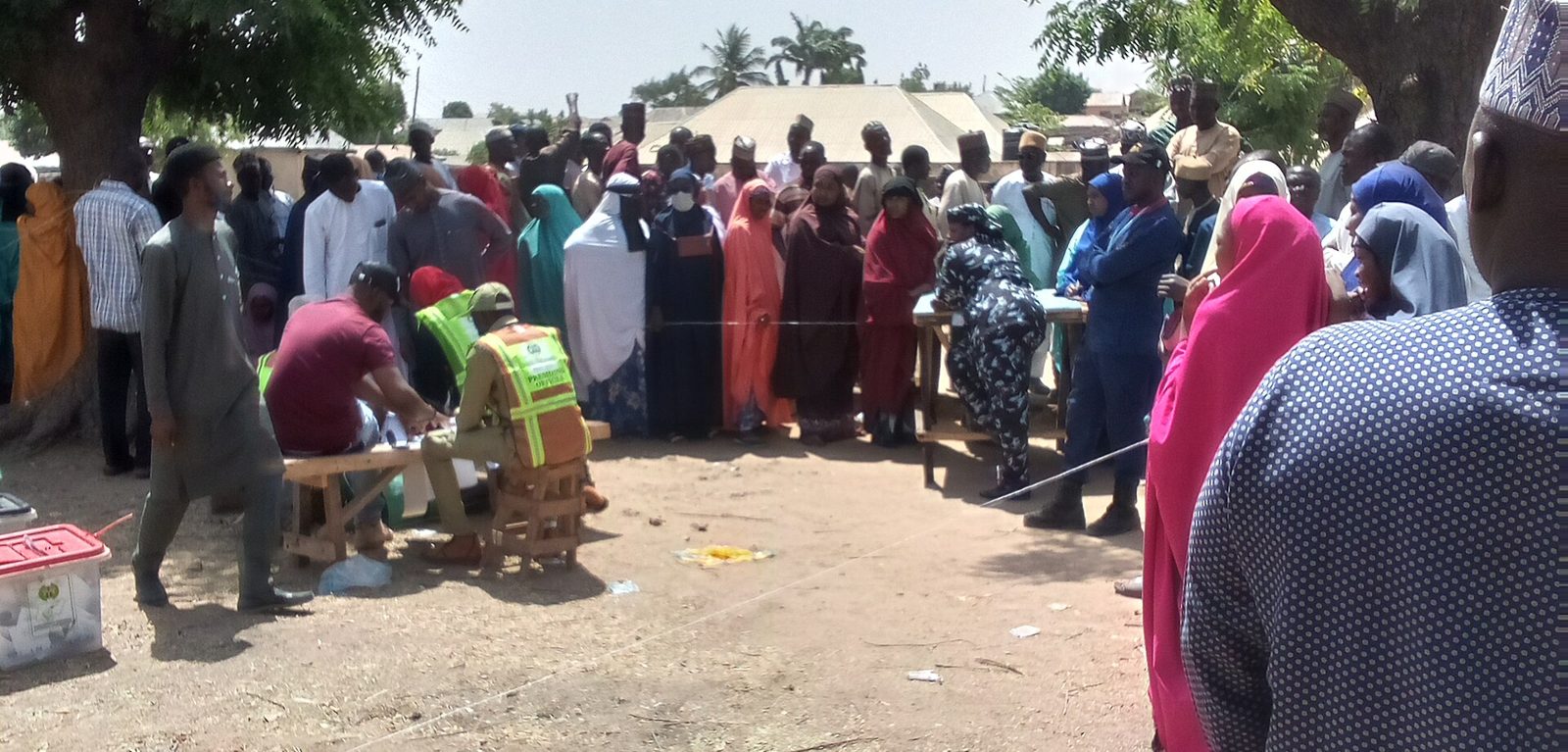
Pantami, Gombe, 2023. Photo: Iyusuf615, CC BY-SA 4.0
This is for all of us.
Millions of Nigerians come out to vote in good faith. This platform exists so that what is pasted at the polling unit is exactly what gets counted.
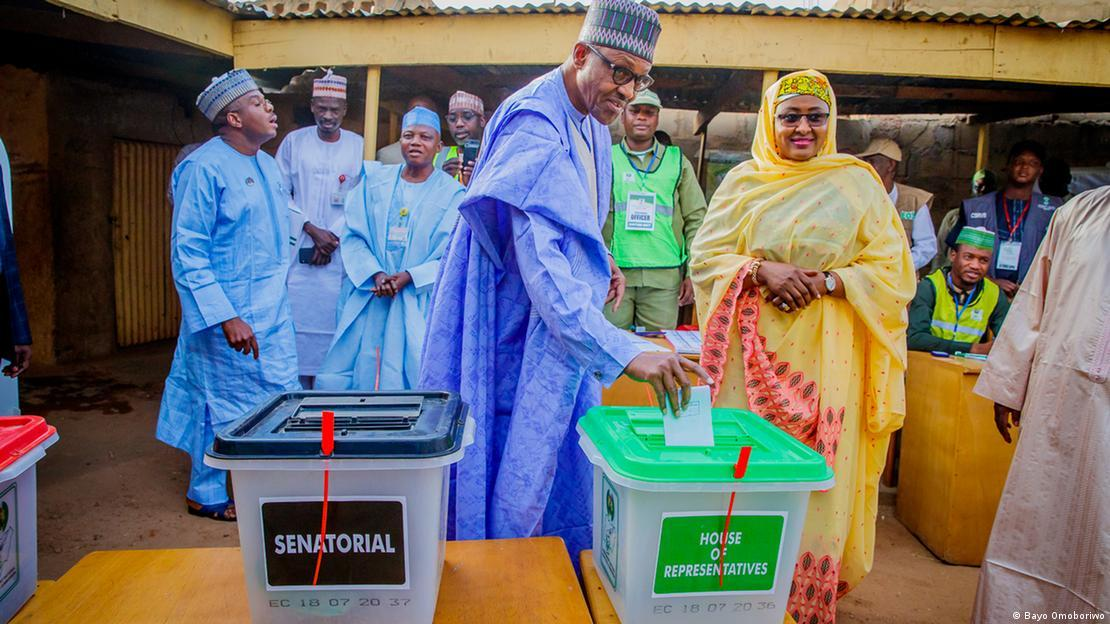
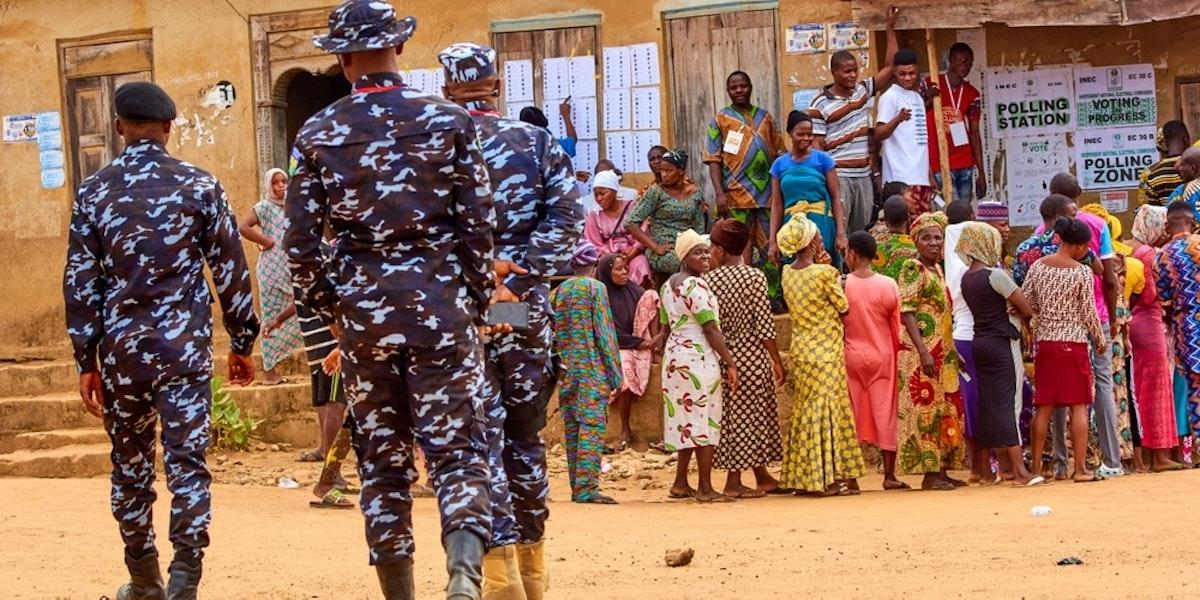
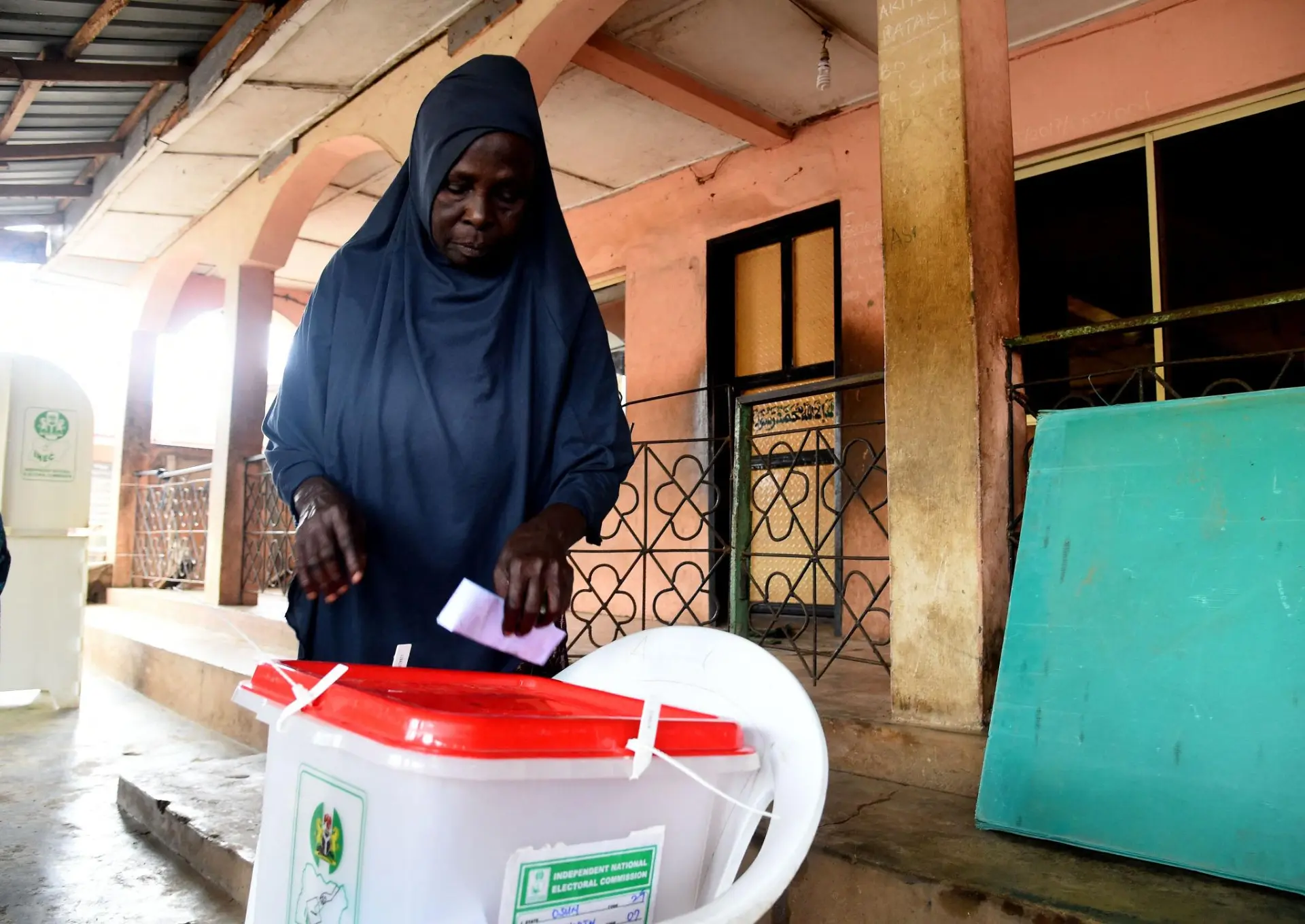
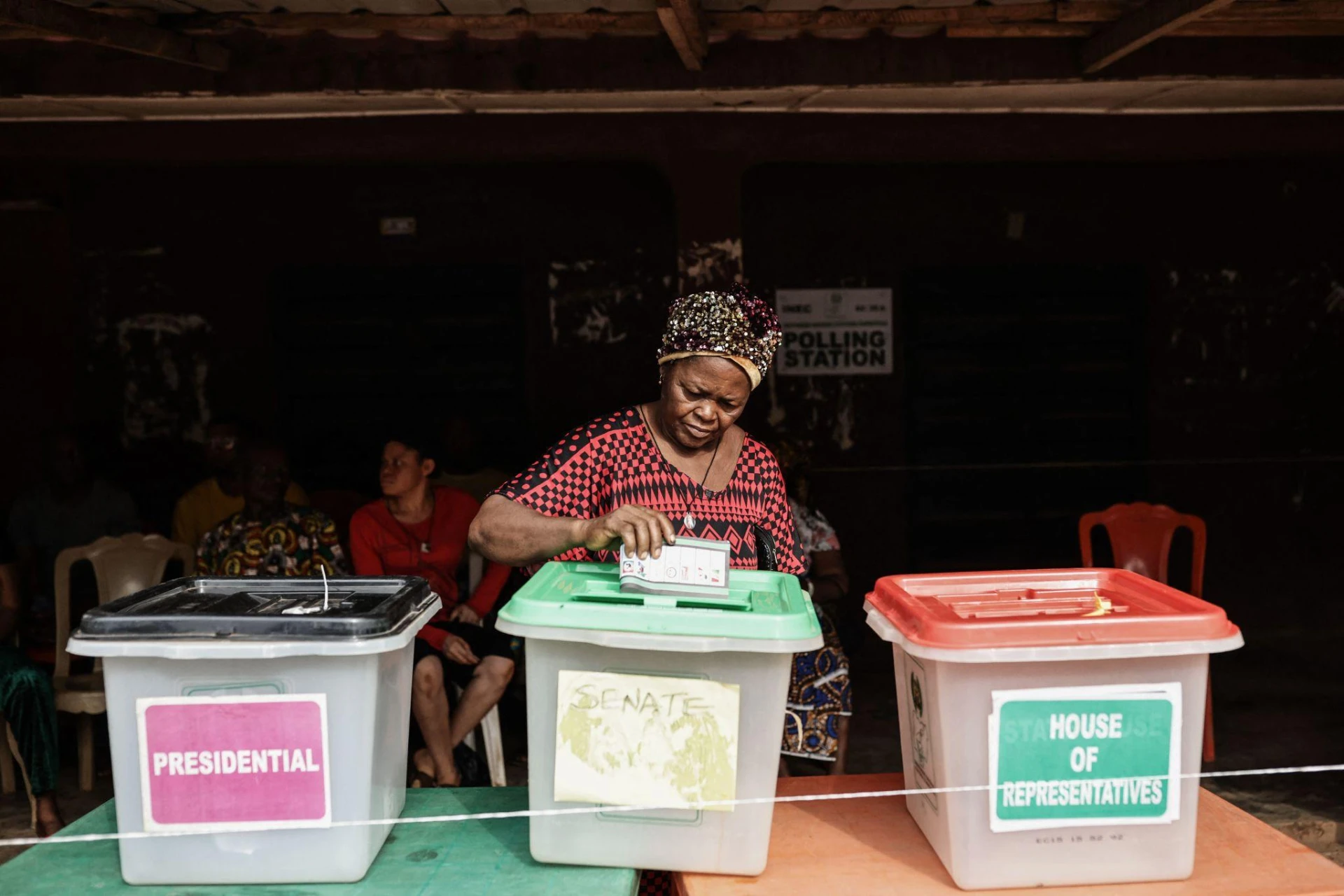
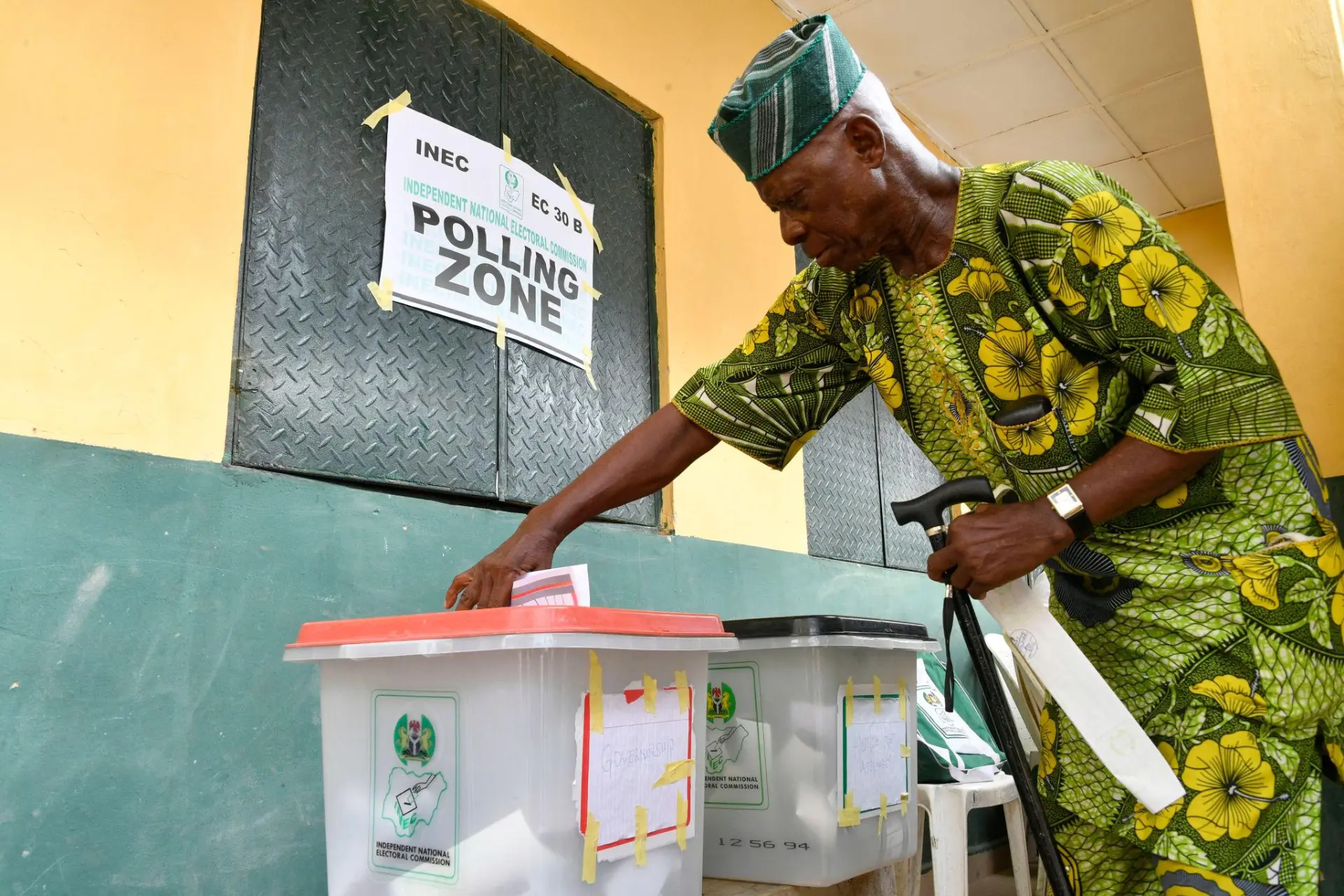
One photo is one person's word. Many matching photos make a result.
Say four people at the same unit snap the sheet within minutes. Three photos show PDP 98, one shows PDP 99. We don't pick a favourite and we don't hide the odd one out — we put everything side by side and tell you how sure we are.
Capture the results
A photo of the sheet, your polling unit, and the time you saw it. Location too, if your phone allows it.
Read the numbers
The figures are read off the photo for you. We also check the photo is clear, complete, and not a copy of another one.
Compare what people sent
All the uploads from the same unit are placed side by side: do the numbers match, do the photos match, were they taken at the right place and time?
People agree or disagree
Others who were at that unit can confirm it or say "that's not what I saw." Disagreements are shown openly, never hidden.
Sort out serious disagreements
When uploads from the same unit tell different stories, the unit is marked as under review everywhere it shows.
A result you can check yourself
The figures, how sure we are, and every photo behind them — open for anybody to see.
When uploads from the same unit seriously disagree, we mark that unit as under review and show the conflicting figures side by side — never buried.
See the evidence yourselfFrom your polling unit to the national total
Five simple steps. All you need is your phone and the sheet pasted at your unit.
Find your polling unit
Search by your area, the unit name or the INEC code. You don't need to sign up for anything — just look.
Watch the count
Follow the figures as they come in — from your unit all the way up to the national total.
Capture the results
When INEC pastes the EC8A sheet at your unit, capture the results — upload a photo of the sheet, or type in what you saw.
Confirm it's really you
Only when your sheet is about to go public do we send you a one-time code. That's all — no long forms.
See it add up
Your unit's result joins the ward, LGA, state and national totals. Every number can be traced back to the photo it came from.
Three things you can do here
Upload the results
Take a photo of the EC8A sheet pasted at your polling unit. We read the figures off the photo — you don't type anything.
Upload the sheetFind your unit
Search by name, code or your location, then see your unit's result, the photos behind it, and any disagreement.
Find your polling unitReport what you see
Vote buying, late start, missing materials — or peaceful voting. Whatever you report is time-stamped and tied to the unit.
Open the incident feedWhen we can all see the numbers, nobody can quietly change them.
People who keep showing up with solid evidence earn badges. A badge makes your word carry more weight — it never gives anyone extra votes.